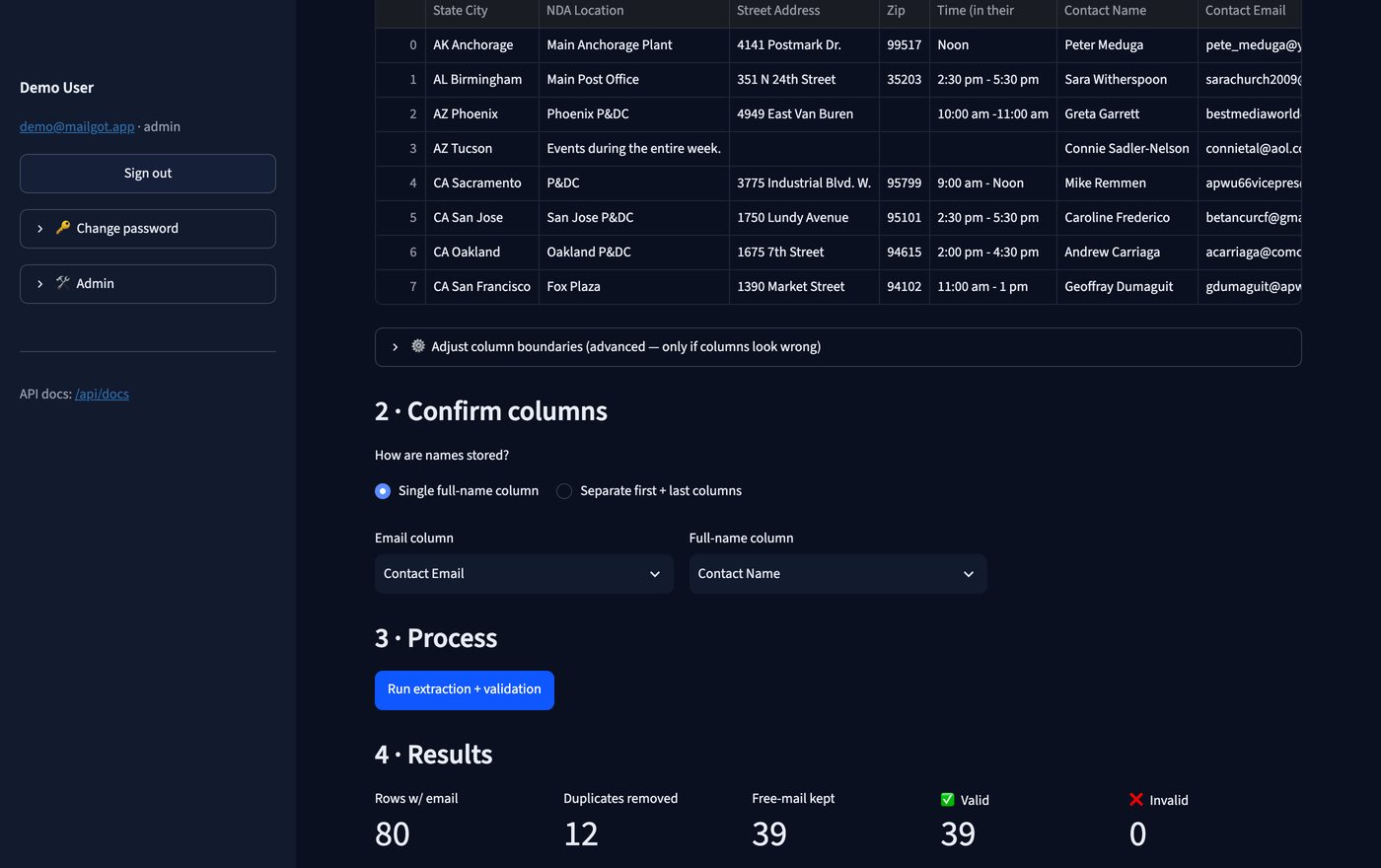
Upload a member list — even a borderless PDF with no column headings. Mailgot works out the structure, pulls out each person's name and email, keeps only real webmail addresses (gmail, yahoo, outlook…), drops corporate ones, checks the addresses are deliverable, and hands you a tidy Excel file.
Four jobs, in one pass.
Excel and CSV are easy. PDFs are not — Mailgot rebuilds columns from word positions, so even borderless tables with no headings work.
Handles one “full name” column or separate first/last columns, and always gives you all three fields back.
Filters to gmail, yahoo, hotmail, outlook, icloud, aol, proton and friends. Corporate and unknown domains are set aside, not silently dropped.
Checks syntax and that the domain actually accepts mail (MX), then marks every row
valid or invalid with a reason.
Four steps, about a minute for a few hundred rows.
.pdf, .xlsx,
.xls or .csv (up to 25 MB). Your file is processed in memory
and never stored.first name, last name, full name, email, status.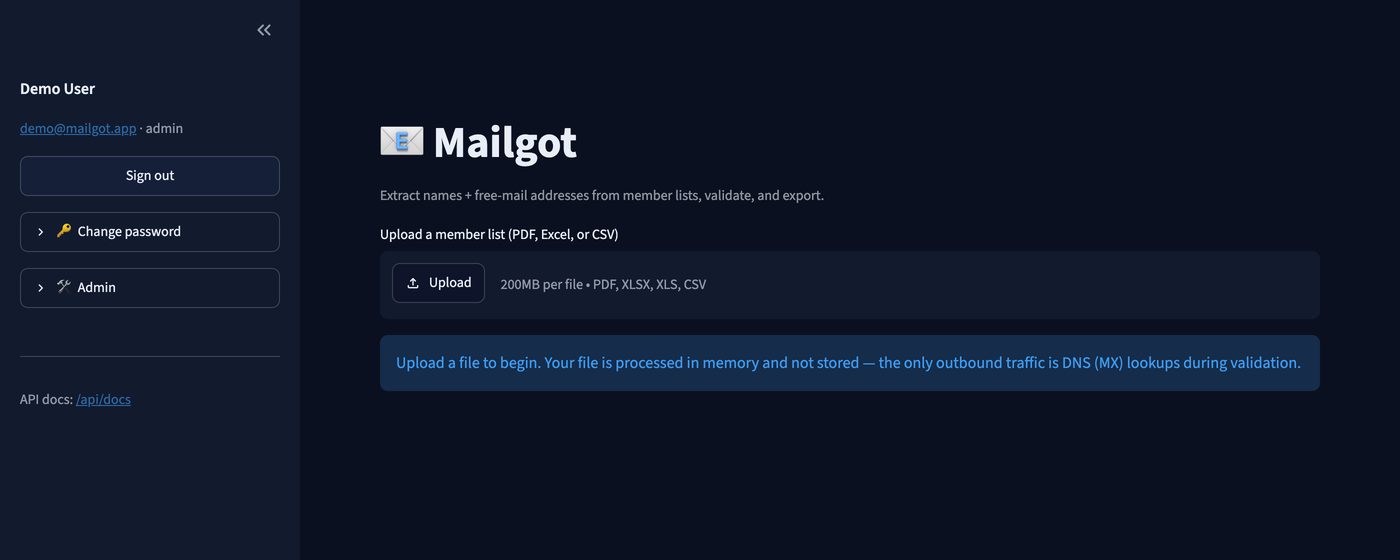
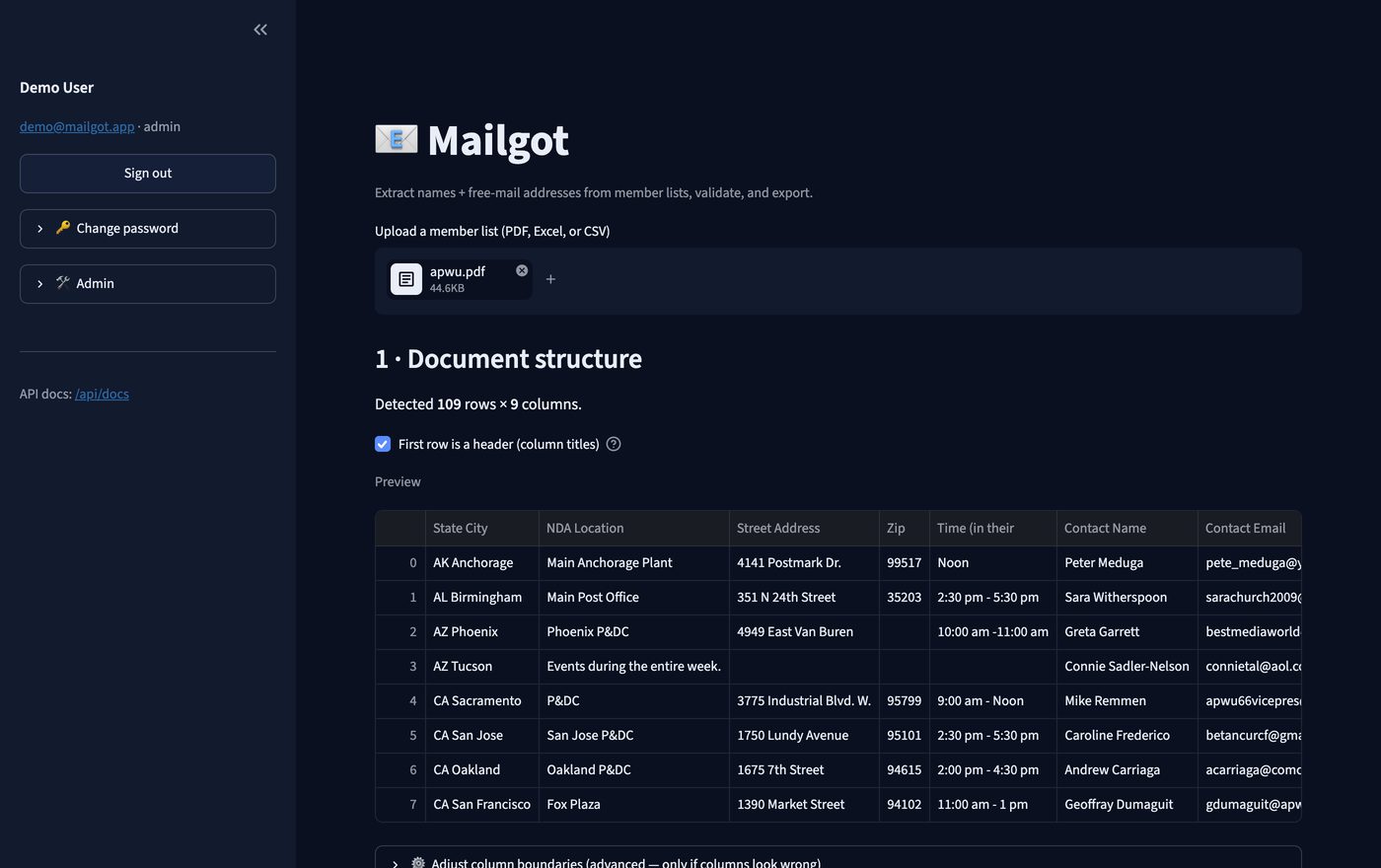
Open Adjust column boundaries under the preview. Mailgot shows the x-positions where it thinks each column starts — add, remove or move a value and re-parse. This is the escape hatch for unusual layouts, and it's rarely needed.
Everything the web app does is available as a JSON REST API, so an agent can drive it directly. The surface is self-describing — point your tooling at /api/openapi.json and it can generate the tool definitions itself. Interactive docs live at /api/docs.
| Endpoint | What it's for |
|---|---|
GET /api/v1/health | Liveness check. No key needed. |
POST /api/v1/analyze | Inspect a document first — returns detected columns, whether a heading row exists, a suggested mapping and a preview. |
POST /api/v1/process | Do the work: extract, filter to webmail domains, validate. Returns JSON rows plus summary counts. |
POST /api/v1/process/xlsx | Same, but responds with the .xlsx file. |
POST /api/v1/validate-emails | Validate a plain list of addresses — no file needed. |
Send your key as an X-API-Key header on every call except /health.
Analyze first so the agent can check the column mapping, then process.
# 1 — look at the document before committing to anything
curl -X POST https://mailgot.squadly.tech/api/v1/analyze \
  -H "X-API-Key: $MAILGOT_API_KEY" \
  -F "file=@members.pdf"

# 2 — run it (accepts the auto-detected mapping)
curl -X POST https://mailgot.squadly.tech/api/v1/process \
  -H "X-API-Key: $MAILGOT_API_KEY" \
  -F "file=@members.pdf" -F "include_excluded=true"
If analyze got a column wrong, override it explicitly instead of guessing:
curl -X POST https://mailgot.squadly.tech/api/v1/process \
  -H "X-API-Key: $MAILGOT_API_KEY" \
  -F "file=@members.pdf" \
  -F "name_mode=parts" \
  -F "first_name_column=column 0" \
  -F "last_name_column=column 1" \
-F "email_column=column 2"{
"mapping_used": { "email": "Contact Email", "name_mode": "full", "full": "Contact Name" },
"stats": { "rows_with_email": 80, "duplicates_removed": 12,
"kept": 39, "excluded": 29, "valid": 39, "invalid": 0 },
"results": [
{ "first name": "Peter", "last name": "Meduga", "full name": "Peter Meduga",
"email": "pete_meduga@yahoo.com", "status": "valid", "reason": "" }
]
}import os, requests
BASE = "https://mailgot.squadly.tech"
H = {"X-API-Key": os.environ["MAILGOT_API_KEY"]}
with open("members.pdf", "rb") as f:
info = requests.post(f"{BASE}/api/v1/analyze", headers=H, files={"file": f}).json()
print(info["column_names"], info["suggested_mapping"])
with open("members.pdf", "rb") as f:
out = requests.post(f"{BASE}/api/v1/process", headers=H, files={"file": f}).json()
print(out["stats"])
for row in out["results"]:
print(row["full name"], row["email"], row["status"]){
"name": "mailgot_process_member_list",
"description": "Extract member names and free-webmail email addresses from a PDF/Excel/CSV member list, filter out corporate domains, and validate deliverability. Returns rows of first name, last name, full name, email, status.",
"input_schema": {
"type": "object",
"properties": {
"file_path": { "type": "string" },
"email_column": { "type": "string" },
"name_mode": { "type": "string", "enum": ["full", "parts"] },
"full_name_column":{ "type": "string" },
"first_name_column":{ "type": "string" },
"last_name_column":{ "type": "string" },
"include_excluded":{ "type": "boolean" }
},
"required": ["file_path"]
}
}| Code | Meaning | What to do |
|---|---|---|
| 400 | Bad column name or boundary values | Read detail — it lists the valid column names — then retry |
| 401 | Missing or wrong API key | Fix the key; don't retry blindly |
| 413 | File over 25 MB | Split the file |
| 422 | No email or name column could be identified | Call /analyze, then pass explicit column names |
Requests are stateless — upload the file on each call, nothing is kept server-side. MX lookups are cached per domain, so a list full of gmail addresses resolves fast.
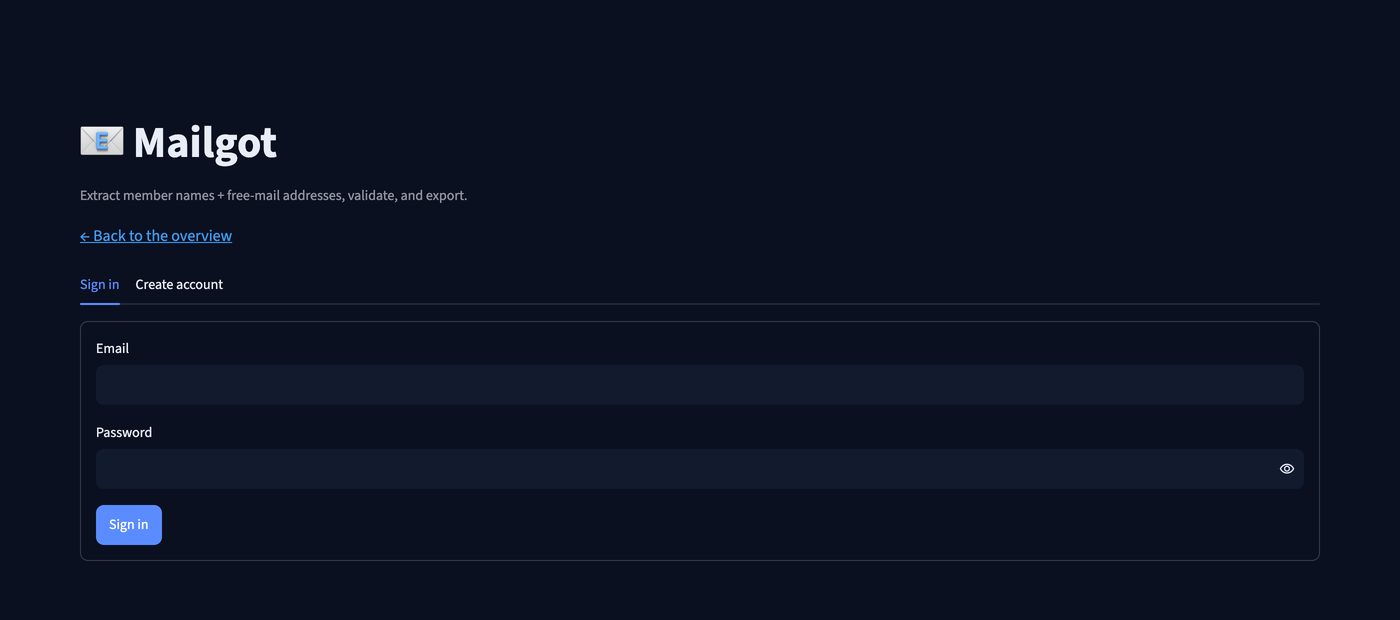
Accounts are invite-only, which keeps the service from being used as a free public email-checker. Tell us who you are and we'll send you an invite code — then you can create your account, sign in, and change your password any time from the sidebar.